Directive Analytics

Directive Blog

Directive Blogs

Directive has been serving the Oneonta area since 1993, providing IT Support such as technical helpdesk support, computer support, and consulting to small and medium-sized businesses.

Tip of the Week: Managing Your Windows Arrangement

The modern worker (or really, the modern person) spends a lot of their time looking at a computer screen. Considering this, it only makes sense that their screens and the items displayed on them are arranged in a way that they like. Our tip covers a few shortcuts to help you arrange and view the items on your workstation a little quicker.

0 Comments
Continue reading

Tip of the Week: Optimize Your Computer By Taking Care of the Clutter

Do you remember the day that you purchased your current workstation? Maybe it was last week, last month, last year, or several years ago. At one point, it was pristine, untouched by the demands of the workday, but those days have long since passed. Over time, your computer collects all sorts of stuff on it, from unnecessary files to outdated, unused software.

0 Comments
Continue reading

Tip of the Week: Use this Free PC Tool to Find Out Which Files You Should Delete Next

Fact: your PC has a limited amount of storage space. When a user runs out of space or comes close to it, they need to come up with a solution. Without taking any action, performance will lag and saving data for future projects will be impossible. By using a helpful tool like WinDirStat, you can free up space by easily identifying and then taking action with your PC’s biggest files.

0 Comments
Continue reading

Tip of the Week: You Can Use Your Android Device As An External Hard Drive

Does your business have trouble keeping data on the company network? This can be an issue if your employees use their mobile devices to do work while on the go. In order to keep this from becoming an issue, you should encourage your employees to not keep sensitive data on their mobile devices, and establish policies that give you control over your data and email on personal devices. That said, let’s show you how to get your data off of your Android device and back on your network where it belongs.

0 Comments
Continue reading

Tech Term: Motherboard

A computer is made up of many parts, one of which is today’s Tech Term: the motherboard. We’ll discuss what the motherboard does for your computer and why it’s such an important part for its continued operation.

0 Comments
Continue reading

Tech Term: Safe Mode

Sometimes it can be hard to diagnose a problem with your PC. While it might not be something system-breaking, it’s still important to find the root of an issue before it becomes a major problem. One of the best ways to diagnose an issue with your computer is by logging in using Safe Mode. We’ll talk about when and how you can use Safe Mode to your computer’s benefit.

0 Comments
Continue reading

Tech Term: Protocol

Computers use quite a lot of different types of protocol to function. In particular, the Internet takes advantage of protocol to a great degree. You might recognize terms like Hypertext Transfer Protocol Secure, Transmission Control Protocol/Internet Protocol, File Transfer Protocol, Internet Message Protocol, and Post Office Protocol. But what exactly is protocol, and why is it important?

0 Comments
Continue reading

As if Selecting Hardware Wasn’t Tricky Enough, Intel Went and Did This

Intel recently announced their next line of laptop processors, and with that single act, caused no small amount of frustration and confusion among the IT market. After claims that they were breaking from their traditional schedule of releasing a new processor each September and improving upon it later, Intel has gone ahead and released a new processor architecture instead of maintaining their Skylake processor from last year.

0 Comments
Continue reading

Signs Your PC is Done for and How to Properly Dispose of It

When it’s time to replace your technology, it might bring about a sense of panic. How can you replace your technology without breaking your budget, or worse, exposing data on your old technology to potentially threatening actors? Only one thing is for sure; you need to make sure that you have a solid strategy to adhere to when you need to replace your broken-down technology.

0 Comments
Continue reading

Businesses that Value Mobility Will Want to Adopt 2-in-1 Devices

Businesses today rely heavily on software solutions to function, and so these solutions need to be on-hand whenever and wherever a business opportunity may arise. As a result, mobile solutions have risen in importance, despite the continued need for what a desktop has to offer. To meet both these requirements, we recommend a convertible ultrabook, also known as a 2-in-1 device.

0 Comments
Continue reading

Power Off, or Leave It On?

At the end of the day, do you shut down your computer or do you put it into sleep mode? Depending on what you need from your device the next day, you might want to consider which option benefits you the most. Here are some of the pros and cons of both approaches so that you can pick which one best suits your situation.

0 Comments
Continue reading

Getting to Know Technology: RAM

Depending on who you ask, RAM will mean a different thing, but in computing, there is only one true meaning. RAM stands for Random Access Memory, and it’s a major component in your computer. But what exactly does it do, and what role does it play in ensuring that your organization stays productive and efficient?

0 Comments
Continue reading

Getting to Know Technology: Processor

A computer is a complicated device, so it needs something to help it “think.” Because of this weighty responsibility, the component that serves this purpose is arguably one of the most important of all a computer’s pieces. Known as a CPU, this little chip is truly essential to the computer’s function. For today’s Tech Term, we’ll examine it a little more closely.

0 Comments
Continue reading

Do You Know How to Determine Your Computing Needs?

In most businesses today, the computer is an essential tool. Taking this into consideration, you need to make sure that your staff is equipped with the right tools for their given job… but which tool is the right tool? Here, we’ll review the determinations that will help you make the best choice of workstation for your employees’ needs.

0 Comments
Continue reading

Tip of the Week: 1GB, 2GB, 4GB or More - How Much RAM Do You Actually Need?

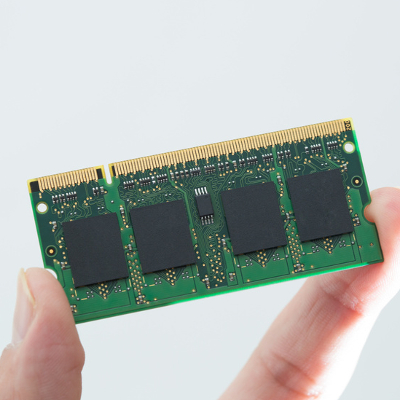
b2ap3_thumbnail_random_access_memory_400.jpgYou can tell when a workstation might need an upgrade if it’s slowing down, or if the machine is so absurdly slow that you can barely accomplish your daily tasks with it. One of the easiest ways you can improve the quality of your workstation is by increasing the amount of RAM.

0 Comments
Continue reading

3 Ways the Internet Makes Things Easier, But Not Necessarily Better

b2ap3_thumbnail_internet_is_changing_everything_400.jpgDo you remember the days where you didn’t have the the Internet? Remember going to the library to research information, or using a phone book to find contact information for an important contact? These are only a few ways that the Internet has changed society.

0 Comments
Continue reading

Tip of the Week: Follow These 4 Best Practices to Keep Your Computer Clean

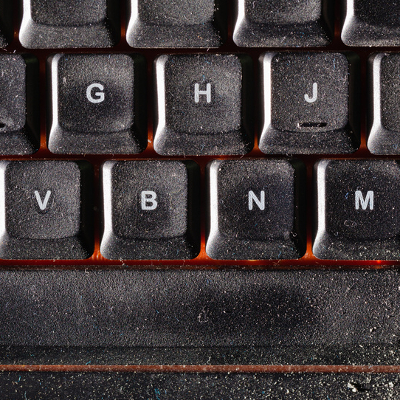
b2ap3_thumbnail_clean_your_pc_400.jpgA computer is a complex machine that demands routine maintenance and intentional caretaking. If ignored, the machine’s lifespan will be cut short. Here are four best practices that will ensure you get the most out of your PC.

0 Comments
Continue reading

Tip of the Week: On or Off, Which is Better For Your PC at the End of the Day?

b2ap3_thumbnail_on_or_off_400.jpgAfter a long, hard day at the office, you might be tempted to just log off of your workstation so you can get right back into it the next day. However, you also have the option to shut down the PC, which can be beneficial at times. So, what should you do; power down your desktop, or simply log off? Both have their own pros and cons, so it’s important that you’re informed of how you make this decision.

0 Comments
Continue reading

Tip of the Week: How to Clean Your Monitor, Keyboard, and the Inside of Your PC

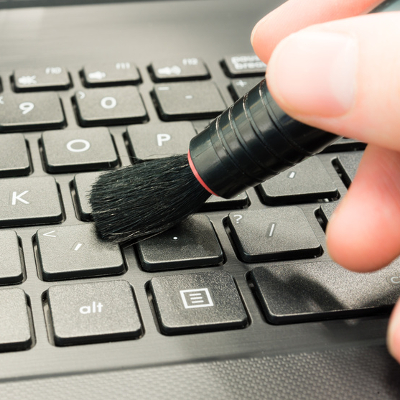
b2ap3_thumbnail_clean_computer_tips_400.jpgA clean computer is a happy computer. Just like any other piece of gadgetry, a computer requires regular cleanup sessions that allow users to get the most from them. In fact, January is known as Clean Up Your Computer Month, so what better way is there to ring in the new year than making sure your computer is in tip-top shape?

0 Comments
Continue reading

Reevaluate Your Network Switches Due to Increased Demand of Wireless Technology

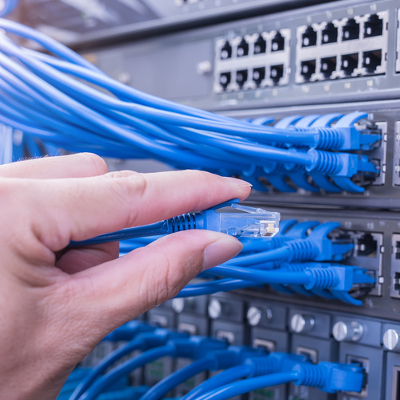
b2ap3_thumbnail_business_network_switches_400.jpgYour computer network is only as strong as its weakest link. One of the most overlooked links is your network switch, and if your IT infrastructure is becoming more dependent upon wireless technology, then you’re going to want to perhaps upgrade your network switches.

0 Comments
Continue reading

Recent News

Our business began its journey with the purchase of a personal computer back in 1992. This purchase ignited a passion with Chris Chase, our CEO, and there was no stopping its momentum. Less than one year later, he had his first IT support client (and...

Understanding IT

Get the Knowledge You Need to Make IT Decisions

Technology is constantly evolving, and keeping up can feel overwhelming. Whether you want to understand cybersecurity threats, explore automation, or learn how regulations like PCI DSS impact your business, we’ve made it easy to access clear, straightforward insights on key IT topics.

Insights to Understanding IT

Contact Us

330 Pony Farm Road Suite #2
Oneonta, New York 13820

Mon to Fri 9:00am to 6:00pm

support@directive.com

(607) 433-2200